
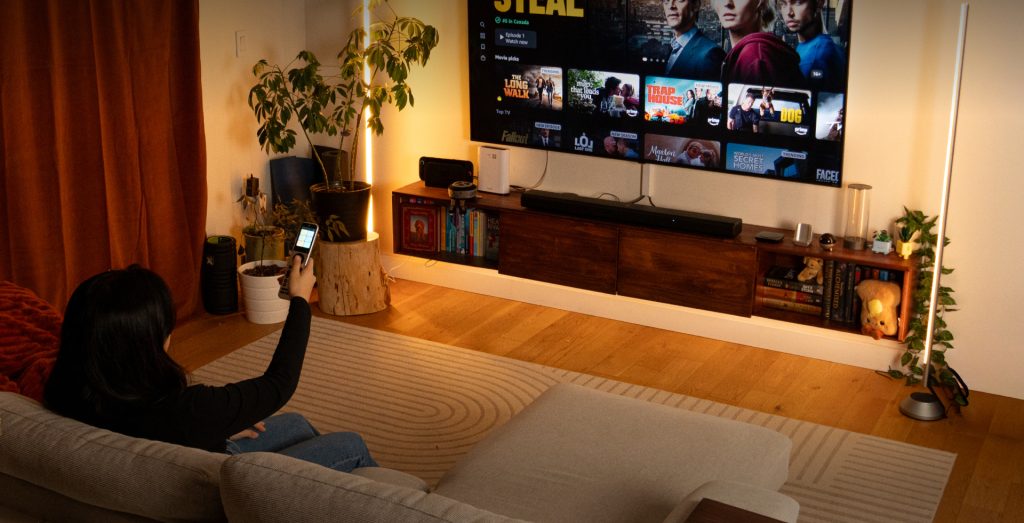
Struggling with multiple remotes cluttering your living room or home theater setup? The Sofabaton universal remote offers a smart solution by consolidating all your devices into one sleek, intuitive remote. Designed to enhance your entertainment experience, it simplifies the way you control your TV, sound systems, streaming devices, and more, all from a single point.
In this Sofabaton review, we will explore the standout features of popular models like the X2, X1S, and U3. You’ll learn about their compatibility with various devices, ease of setup, and key benefits that make managing your home theater seamless and enjoyable. Whether you have a complex system or a simple living room setup, this universal remote could be the upgrade your entertainment space needs.
The Sofabaton universal remote offers a modern, streamlined solution to managing multiple entertainment devices with ease. The brand’s product lineup includes models like the X2, X1S, and U3, each tailored to different levels of complexity—from advanced home theaters to simpler living-room setups. Central to Sofabaton’s innovation is its activity-based control technology, which allows you to control several devices with a single button press. This system groups commands into activities—such as “Watch Movie” or “Play Xbox”—so your TV, soundbar, streaming devices, and smart home components all operate in sync automatically. The remotes also support multi-device control, making it possible to switch between devices or run multiple commands smoothly without juggling multiple remotes. Sofabaton remotes have broad compatibility with popular brands and smart devices including Apple TV, Xbox, Samsung, and LG. Whether you’re controlling a smart TV, game console, or streaming media player, these remotes offer built-in support that simplifies programming and reduces setup time. For those new to universal remotes, learning the basics can help you get the most out of your Sofabaton, making your home entertainment system easier and more enjoyable to manage. To explore the range and detailed compatibility, you can check out the official website.
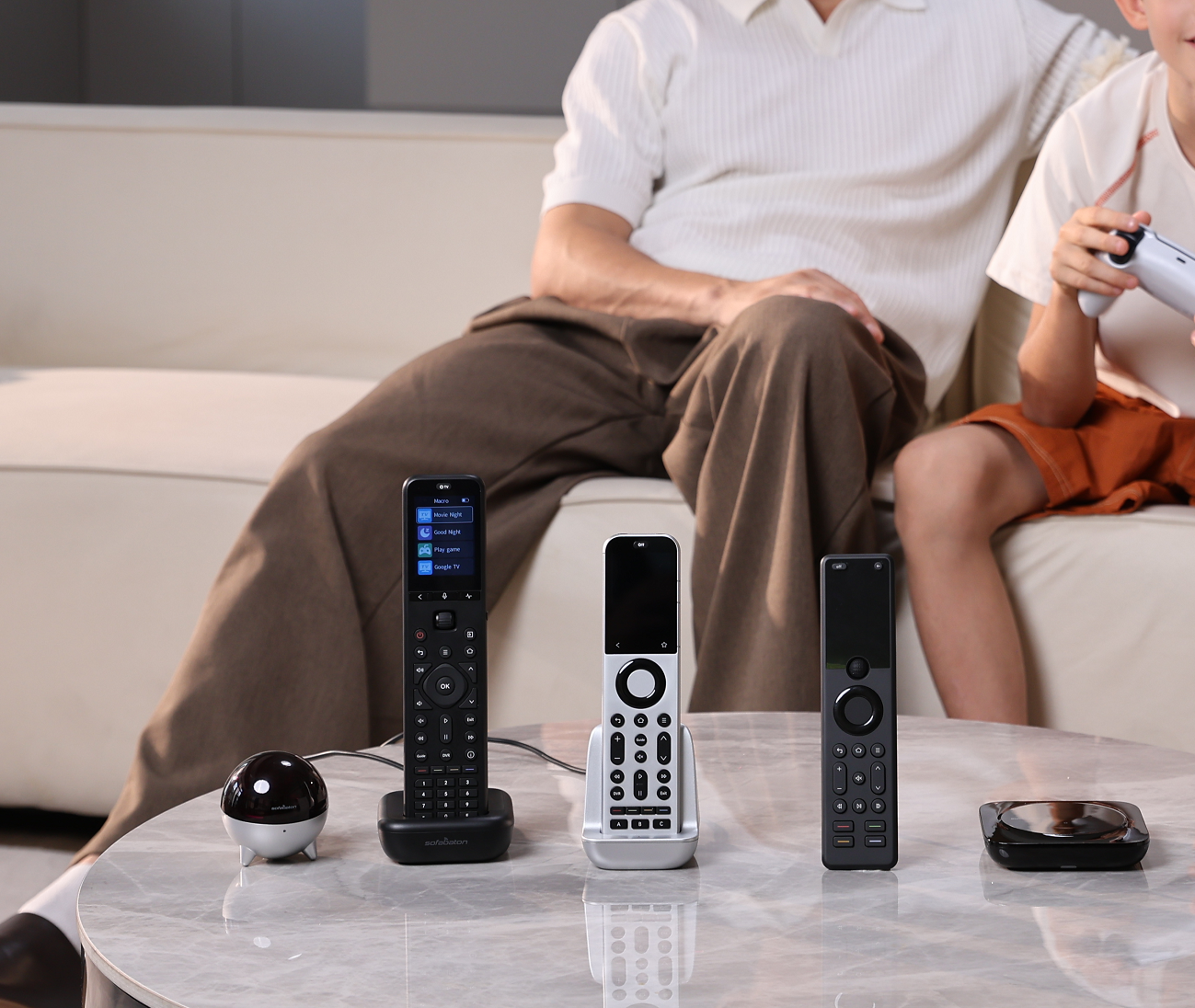
Sofabaton universal remotes shine with advanced activity-based control that streamlines your device interactions into simple sequences. Instead of juggling multiple remotes or issuing separate commands to each device, you can set up activities that, for example, power on your TV, soundbar, and streaming box all at once with a single button press. This intelligent automation saves time and removes frustration from home theater management. The flagship X2 model steps up with a vivid touchscreen interface paired with haptic feedback, offering tactile responses that confirm your commands. This tactile interaction enhances usability, especially when navigating menus or switching between activities. Meanwhile, the included charging dock ensures your remote is always ready, while the IR hub expands coverage and supports devices tucked away in cabinets or different rooms, eliminating blind spots. Beyond standard entertainment devices, Sofabaton remotes support multi-device ecosystems and even integrate with smart home setups. This capability lets you orchestrate lighting, blinds, and other home automation gadgets alongside your media equipment to create immersive moods triggered by activities. For those looking to upgrade their control system, explore their collection and consider grabbing exclusive deals to make the experience even better.
When considering price and value for money, the Sofabaton lineup offers distinct options to suit various home theater needs. The X2 model is the premium choice, featuring advanced touchscreens, a charging dock, and support for complex multi-device setups, making it ideal for enthusiasts who want seamless control over multiple devices and smart home integration. The X1S provides a balanced middle ground with one-touch activity control and hub-based device management, great for living rooms with several devices but without the need for full automation. The U3 stands out as a cost-effective option designed for simpler setups that just need to consolidate a few remotes. Comparing features to prices reveals clear value tiers: the X2 commands a higher price but justifies it with robust compatibility and enhanced functionality. The X1S offers solid features for a moderate price, appealing to users seeking ease of use without paying for premium extras. The U3 is budget-friendly, focusing on straightforward IR device control with fewer bells and whistles. For example, a user with multiple streaming devices, a receiver, and smart lighting might find the X2 worth its investment, while someone with just a TV and soundbar could comfortably opt for the U3 or X1S. Keep in mind Sofabaton’s official store regularly features promotions and discounts, which can make these remotes an even better deal. It is advisable to check for any available exclusive deals before purchasing to maximize savings. For the latest pricing and to explore their collection, visit the official website to find the model that fits your setup and budget.
Customer testimonials for the Sofabaton X2 remote consistently praise its ease of use combined with a premium, well-crafted feel. Users highlight the smooth setup experience, especially appreciating the intuitive touchscreen interface and the satisfying haptic feedback when controlling devices. Many mention how the remote’s modern design complements their home theater setup beautifully while simplifying the management of multiple devices. Pros include a comprehensive database covering numerous devices, which minimizes manual programming, making multi-device control seamless. The setup process, supported by the app, is generally straightforward with clear activity-based commands. The sleek design, solid build quality, and included charging dock contribute to the overall premium experience users love. On the downside, some users note a slight learning curve during initial setup, especially when configuring complex activities or less common devices. Battery life is good but might require more frequent charging than expected by power users, though the fast recharge compensates for this. A few have suggested improvements for grip texture, as the smooth surface can feel somewhat slippery in hand, but this is a minor concern compared to the benefits. Overall, the Sofabaton X2 remote delivers an impressive balance of powerful functionality and user-friendly design. If you want a versatile universal remote that feels premium and simplifies your home theater experience, it’s worth taking a closer look. You might want to check for any available exclusive deals before making your purchase. For further exploration, see detailed pros and cons for the Sofabaton X2 and discover how it stands out in the universal remote category.
Setting up your Sofabaton universal remote is remarkably straightforward with the dedicated mobile app, designed to simplify every step. Start by downloading the Sofabaton app from your device’s app store and pairing it with your remote via Bluetooth. The app guides you through adding each device, where you select the brand and model from its vast database—this ensures easy and accurate configuration without needing manual input. Once devices are added, you can create personalized activities tailored to specific use cases like movie nights, gaming sessions, or music listening. For example, a movie night activity can automatically power on your TV, soundbar, streaming device, and dim compatible smart lighting—all triggered by a single button. This activity-based control dramatically reduces the hassle of switching inputs or adjusting multiple remotes. Common setup hiccups, such as connectivity glitches or unresponsive commands, are usually resolved by restarting the remote and app or checking firmware updates through the app’s settings. Updating firmware is seamless and keeps your remote functioning optimally with new device profiles and improved performance. If you run into persistent issues, the Sofabaton support resources and community forums are very helpful. For detailed guidance, you might want to get the official Sofabaton user manual and setup guides, which provide clear instructions and tips to maximize your remote’s potential.
The Sofabaton universal remote is an excellent choice for a wide range of users, from those with simple living room setups to enthusiasts running advanced home theater systems. If your setup includes a handful of devices like a TV, streaming box, and soundbar, the Sofabaton U3 remote simplifies control without overwhelming you with unnecessary features. For more complex arrangements involving multiple devices and hidden equipment, models like the Sofabaton X2 offer robust activity-based control, making switching between various components effortless and intuitive. Households with multiple smart devices will benefit significantly from Sofabaton’s multi-device remote control capabilities. It seamlessly integrates TVs, audio systems, game consoles, and smart lighting into one streamlined interface. Smart home enthusiasts, in particular, will appreciate the ability to automate routines—like dimming lights and powering on sound systems simultaneously—with a single button press. This tight integration not only reduces remote clutter but also enhances the overall user experience. For those interested in deeper smart home connectivity, exploring Sofabaton’s smart home remote integration options can provide an even more unified control experience. Gamers who use Xbox along with their TV and audio setups will find the Sofabaton remotes especially handy. The device supports Xbox commands natively and can manage power and input switching smoothly. This means you can start gaming or streaming without juggling multiple remotes or manually toggling devices. The extensive device compatibility list and intuitive programming features make it a standout option for anyone looking to combine their entertainment and gaming gear under one remote. If you’re looking for a premium universal remote with strong device compatibility and versatile control options, the Sofabaton lineup deserves your attention. Before purchasing, it is worth checking for any available exclusive deals to save on your purchase.
Before you make your final decision, it might be worth checking if there are any active deals or discount codes available — a little extra savings never hurts.What Is the Sofabaton Universal Remote and How Does It Work?
Exploring the Core Features of Sofabaton Remotes
Pricing, Plans, and Value for Money

Real User Experiences and Pros & Cons
How to Set Up and Use the Sofabaton Remote
Who Should Consider Buying the Sofabaton Universal Remote?

