

Finding a reliable, high-performance laser engraver that fits both beginners and advanced users can be a daunting task. This Ortur review aims to provide clear insights into whether Ortur laser engravers deliver on that promise, balancing ease of use with powerful features.
In this article, we’ll dive into the core features of Ortur laser engraver machines, their compatible accessories, pricing options, and practical applications. We will also share essential safety tips and troubleshooting guidance to help you maximize the potential of your laser engraving projects, ensuring a smooth and creative experience.
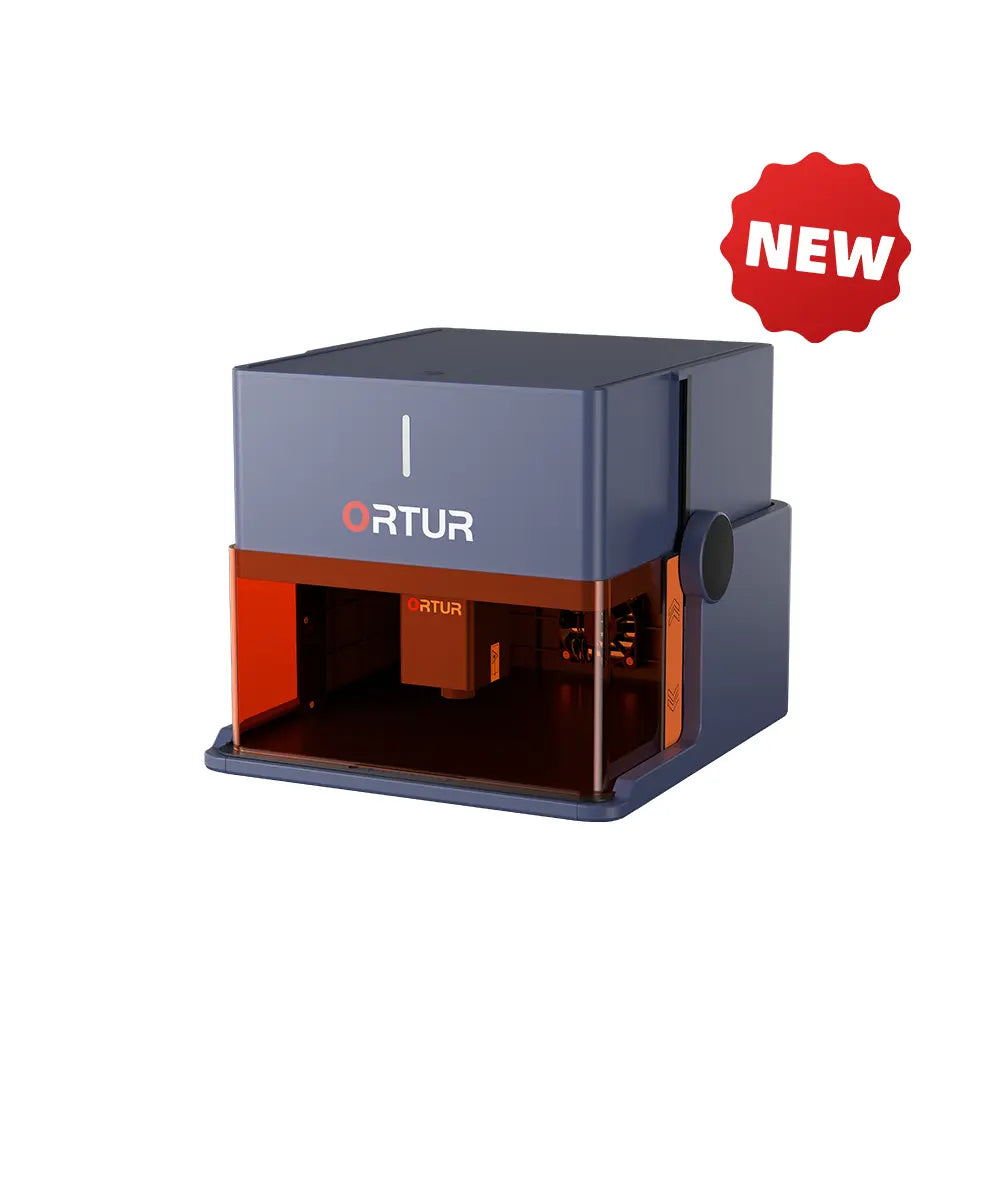
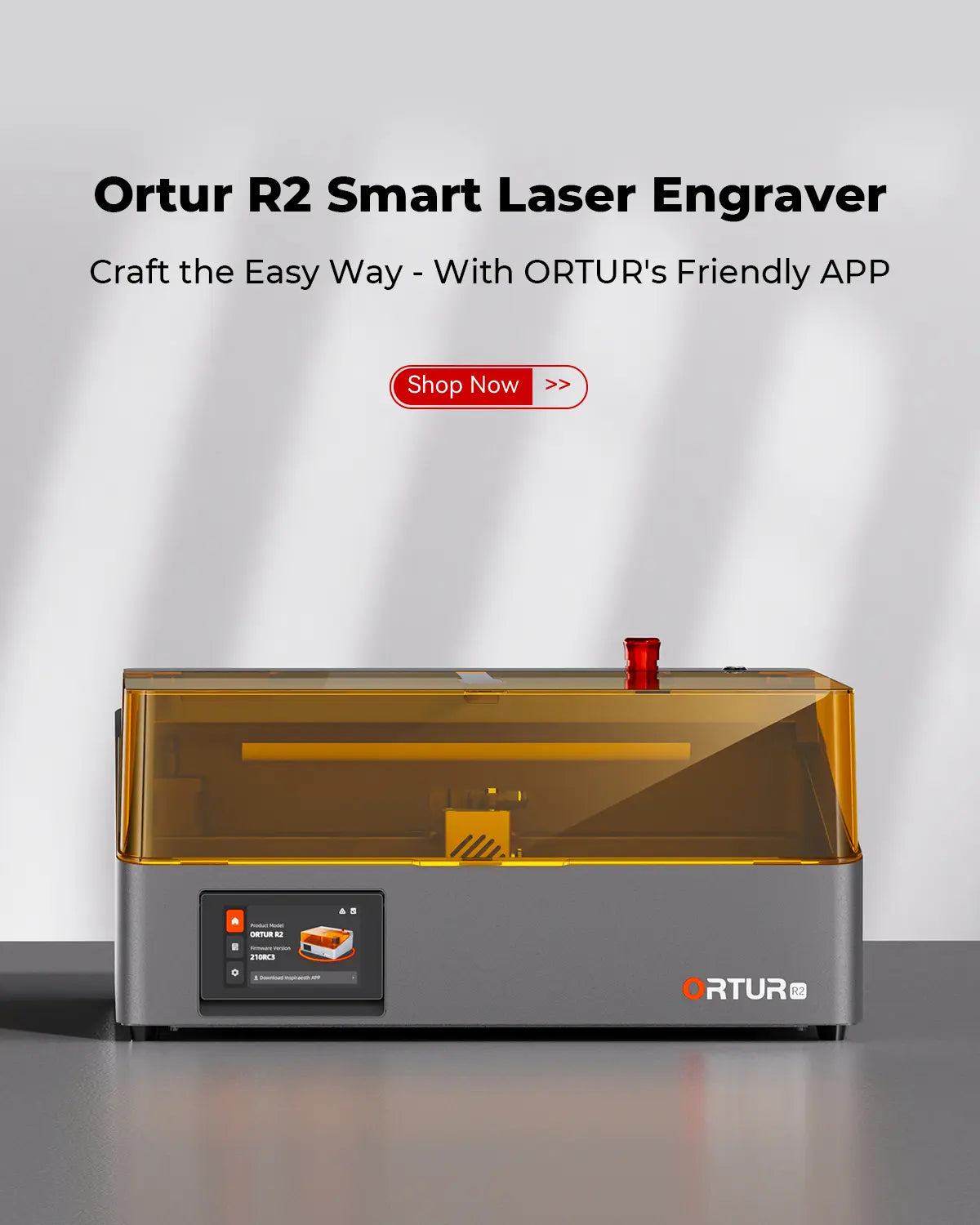
Ortur offers a versatile lineup of laser engravers tailored to different needs and expertise levels, including the popular LM3, LM2 Pro S2, the compact H20, and the innovative R2. Each model brings unique capabilities, from the high-power cutting capacity of the LM3 to the precise and safe operation features of the H20 enclosed design. Their machines are equipped with standout features such as high-speed engraving up to 20,000 mm/min and intelligent safety controls that include active position protection and voltage/current monitoring. These ensure both efficiency and a safer user experience, making Ortur engravers suited for environments ranging from hobbyist workshops to professional crafting studios. Compatibility is another strong point. Ortur engravers work seamlessly with top-tier software like Lightburn and LaserGRBL, while also supporting the exclusive ORTUR mobile app. This app grants convenient control and community engagement right from a smartphone, enhancing both usability and creative inspiration. If you want to explore their collection further, visit the official website. For those new to laser engraving or seeking detailed advice, the laser engraving machine buying guide can be a helpful resource. Additionally, if you’re considering a purchase, it is worth looking for exclusive deals to save on your purchase.
Ortur laser modules offer a range of powerful options tailored to diverse engraving needs. The 1.3W IR LR4-1A and 2W IR LR4-2B modules are perfect for detailed, precision tasks, while the 40W LU3-40A module delivers high-power performance for faster cutting and engraving on various materials. This flexibility lets users tackle projects from intricate designs to larger, more demanding work. Beyond modules, Ortur’s versatile accessories expand creative possibilities. The Y-axis Rotary Chuck (YRC 1.0) enables engraving on cylindrical objects with precision, making personalized items like glasses or bottles easy to customize. The Enclosure 2.0 enhances safety and dust control during operation, while integrated air pumps improve engraving quality by clearing debris and cooling the work area. Driving these advancements are Ortur’s breakthrough patents focused on boosting engraving precision and speed. Innovative technology underpins safety features and high-speed performance, with maximum engraving speeds reaching up to 20,000 mm/min. These patented innovations ensure users achieve professional results consistently. For those exploring these advanced options, it is worth visiting the official website to check out the latest laser modules and popular accessories, and you might want to explore exclusive deals to save on your purchase.
When considering the purchase of Ortur laser engravers, it’s important to understand the pricing structure and what plans or offers might be available. The main Ortur laser engraver models typically range from affordable entry-level options like the Ortur R1, starting around $229, to more advanced units such as the Ortur LM3, priced near $179.99 during promotions. Modules and accessories, including laser modules from 1.3W to 40W, are also available to customize performance based on your needs. To maximize value, keep an eye on Ortur’s current discounts and exclusive promotions, which often include trade-in deals for upgrading older machines and gift card giveaways that enhance your buying power. These offers can significantly reduce the purchase price and add extra benefits. It is also worth checking for exclusive deals to save on your purchase. Ortur stands behind its products with a solid warranty, typically covering one year of professional technical support and service. In addition, they offer a 30-day return policy that accepts returns with original packaging, ensuring customer satisfaction and peace of mind. Their customer support team is accessible and ready to assist with any questions or troubleshooting needs. If you are ready to invest in a reliable laser engraver, consider the current offers directly at the official website. Don’t forget to look for any available discounts first—it is a smart way to get the best value. A well-chosen Ortur laser engraver with the right plan and warranty offers can be a valuable tool for your creative or business projects.
Ortur laser engravers are celebrated for their high-speed engraving capabilities, capable of reaching up to 20,000mm/min. This speed, combined with precise control, allows users to create intricate designs efficiently. They support a broad range of materials—from wood and acrylic to metal and leather—making them versatile tools for both hobbyists and professionals. Safety is a standout feature, with advanced protections like voltage and current control systems and active position safeguards, enhancing user confidence during operation. However, beginners might experience a learning curve when first handling the machine, especially in mastering software and settings. Additionally, some specialized projects may require accessory upgrades, such as rotary attachments or enhanced air pumps, to achieve optimal results. User feedback highlights a spectrum of experiences: beginner hobbyists appreciate the machine’s ease of setup and creative potential, while seasoned users praise its precision and reliability for professional projects. These insights underscore that while Ortur laser engravers offer high performance and safety, new users should invest some time in learning the basics and consider optional accessories for specific tasks. For those interested, it is a good idea to check for exclusive deals that can make the purchase even more worthwhile. Also, learning how to get started properly by exploring the official website can ensure you maximize the benefits of your Ortur laser engraver. Getting started with your Ortur laser engraver is straightforward thanks to the comprehensive quick start guide and the user-friendly Ortur mobile app. The setup process walks you through step-by-step, helping you connect the device, configure initial settings, and begin engraving with confidence. The mobile app also facilitates easy control and monitoring, making it simpler to manage your projects anywhere. For the best engraving results, Ortur recommends using materials like wood, metal, acrylic, and leather. These materials are well-suited to produce sharp, clear engravings and cuts. For example, wood offers a natural finish perfect for custom gifts, while acrylic and metal deliver a professional, polished look for signage and branded items. You can find detailed suggestions and a wide variety of material options in our laser engraving materials guide to enhance your projects. To tackle more complex projects, consider upgrading your Ortur laser modules and using accessories such as the Ortur Y-axis Rotary Chuck or an enclosure. These upgrades allow for enhanced precision, the ability to engrave cylindrical objects, and improved safety during operation. Also, don’t forget to download free engraving files from the Ortur community resources to jumpstart your creative ideas. Before you purchase, it’s worth checking for any available exclusive deals to save on your Ortur laser engraver. This practical approach ensures you get the most value while starting your engraving journey smoothly.
Before you make your final decision, it might be worth checking if there are any active deals or discount codes available — a little extra savings never hurts.Introducing Ortur Laser Engravers: What Makes Them Stand Out?
Feature
Ortur LM3
Ortur LM2 Pro S2
Ortur H20
Max Engraving Speed
20,000 mm/min
15,000 mm/min
12,000 mm/min
Laser Power Options
10W, 20W, 40W
5W, 10W
40W enclosed
Safety Features
8 safety measures including active position protection
Voltage and current control
Safety class 1 enclosure with extraction and protective cover
Software Compatibility
Lightburn, LaserGRBL, ORTUR app
Lightburn, LaserGRBL, ORTUR app
Lightburn, LaserGRBL, ORTUR app
Comprehensive Features and Technology Behind Ortur Laser Modules and Accessories
Pricing, Plans, and Exclusive Offers to Consider Before Buying Ortur Laser Engravers
Benefits and Potential Challenges of Using Ortur Laser Engravers
Pros
Cons
High-speed engraving up to 20,000mm/min
Learning curve for new users
Wide compatibility with various materials
Accessory upgrades needed for some tasks
Advanced safety features for secure operation
Requires time to master software settings
Practical Guide: How to Get Started and Maximize Your Ortur Laser Engraver

