Struggling to rapidly prototype and iterate on product designs without overwhelming your team? Magic Patterns offers a powerful AI design tool for product teams that accelerates UI prototyping while ensuring consistency and seamless collaboration. It empowers teams to explore multiple design directions swiftly, helping bring ideas to life with less friction.
This Magic Patterns review dives deep into its standout features such as AI-driven rapid prototyping, design system integration, real-time collaboration, and secure, enterprise-ready infrastructure. Whether you’re aiming to innovate faster, streamline workflows, or maintain design quality at scale, Magic Patterns provides practical tools and pricing plans tailored to product teams that want to stay ahead.
Magic Patterns is an innovative AI UI prototyping tool designed to transform how product teams approach design. It leverages artificial intelligence to rapidly generate high-fidelity user interface prototypes from simple prompts, helping teams move from ideas to visual designs in minutes rather than days. This ability to turn product requirements or feature concepts into clickable prototypes significantly accelerates the early phases of product development. One of the standout strengths of Magic Patterns is its capacity to speed up prototyping and iteration cycles. Instead of spending weeks on manual design work, product teams can explore multiple design directions quickly, gather user feedback fast, and iterate based on real input before engineering resources are committed. This not only saves time but also reduces the risk of costly redesigns later in the development process. Furthermore, Magic Patterns seamlessly integrates with your existing design system, ensuring that all generated UI elements align perfectly with your established visual language. You can import your components, styles, and design rules, allowing the AI to create consistent and cohesive prototypes that reflect your brand identity. This consistency is vital for maintaining a professional and unified look across product features. For those interested in optimizing their design workflows, exploring rapid UI prototyping strategies can provide additional insights on how to leverage tools like Magic Patterns for maximum efficiency. To learn more about the tool and its pricing plans, you can also check out the official website and explore their collection of AI-driven design features.
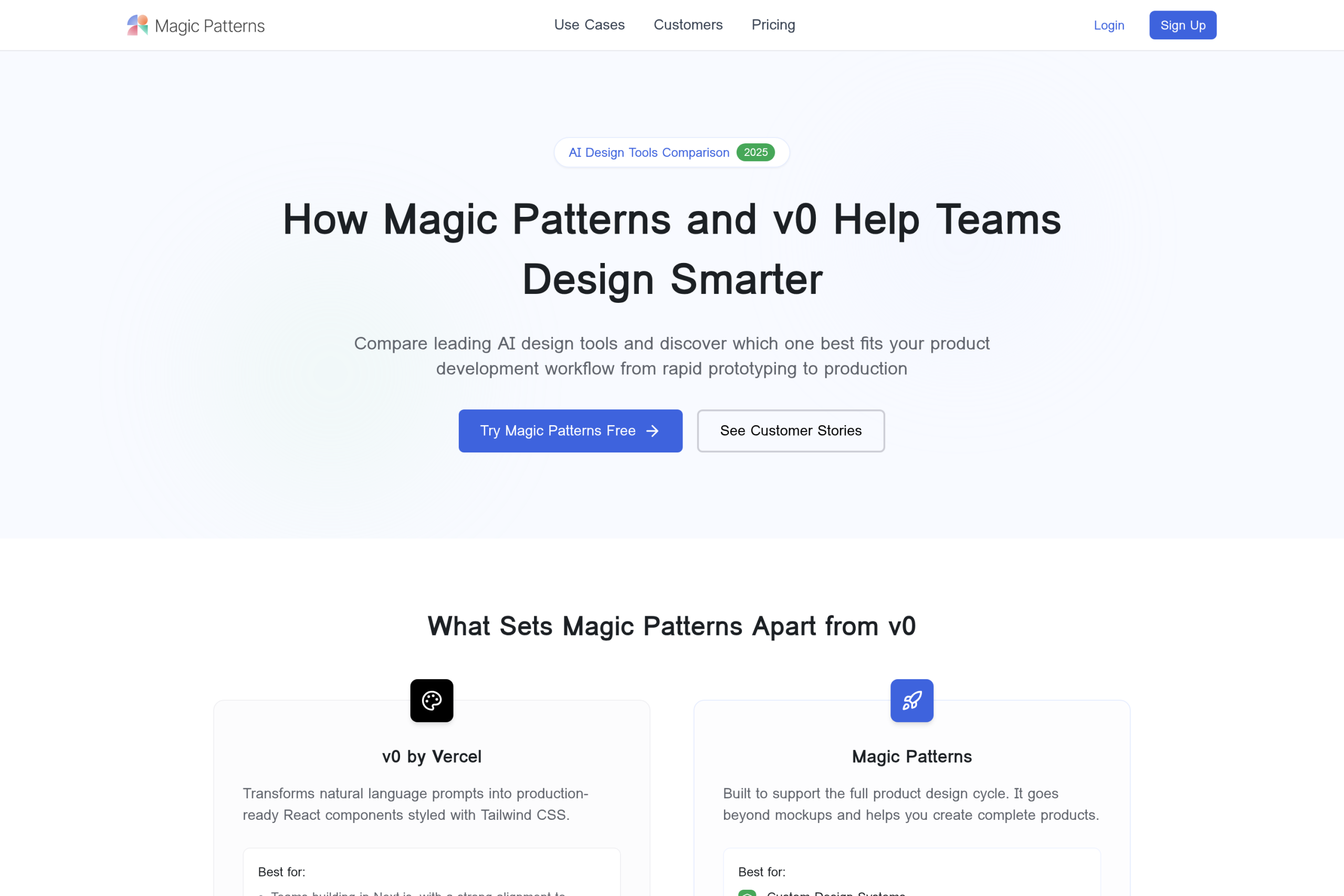
Magic Patterns stands out with its AI-powered high-fidelity UI generation that transforms simple prompts or product requirements into visually polished interfaces within minutes. This feature allows product teams to quickly explore multiple design directions without investing extensive time, streamlining the early stages of development with rapid prototyping that feels remarkably close to final production quality. Another key advantage is the seamless design system import and strict adherence to brand guidelines. Teams can bring in existing components, styles, and rules, ensuring every generated screen upholds brand consistency across the product. This preserves the visual language and prevents costly rework, making the creative process both efficient and cohesive. Collaboration is also a core strength of Magic Patterns. Real-time team collaboration and live editing allow designers and engineers to work together simultaneously, iterate faster, and reduce the back-and-forth typical of traditional workflows. This dynamic environment fosters clearer communication and accelerates decision-making. For enterprises, having robust security is non-negotiable. Magic Patterns meets this demand with enterprise-grade security standards, including SOC 2 and ISO 27001 certifications. These credentials reflect their commitment to protecting sensitive design data and complying with rigorous industry regulations, making it a trustworthy choice for large-scale teams. If you’re ready to experience these powerful features firsthand, it’s worth exploring the official website to start a free trial or request a demo. This hands-on approach can show how Magic Patterns fits into your product design workflow and boosts team productivity.
Magic Patterns offers a well-structured pricing system tailored to different team sizes and project needs, starting with a free tier that lets users explore basic features. This free plan supports limited UI prototyping capabilities, making it perfect for individual designers or teams wanting to test the tool before committing financially. However, it restricts advanced integrations and seats, encouraging users to upgrade as their needs grow. The Starter plan, priced at $20 per seat per month, is ideal for small teams aiming to scale rapidly. It unlocks essential features like enhanced AI-powered prototyping, collaborative editing, and basic design system integration. This plan suits early-stage startups or product teams needing fast iteration without the complexity of enterprise requirements. For larger teams or organizations seeking robust functionality, the Business plan at $100 per seat per month offers advanced capabilities including multi-design system support, priority customer service, and enhanced security compliance. It supports rapid UI prototyping with seamless collaboration across departments, making it valuable for teams focused on high-fidelity production-ready prototypes. Beyond standard plans, Magic Patterns also provides custom enterprise options that come with dedicated onboarding, tailored security measures, and extended support channels. These plans are designed for enterprises requiring full integration with existing workflows and strict compliance standards. For those ready to explore these options in detail, you can check out the official website to see the latest updates and make an informed choice. It’s also worth keeping an eye out for any exclusive deals that could save you money when upgrading from the free tier.
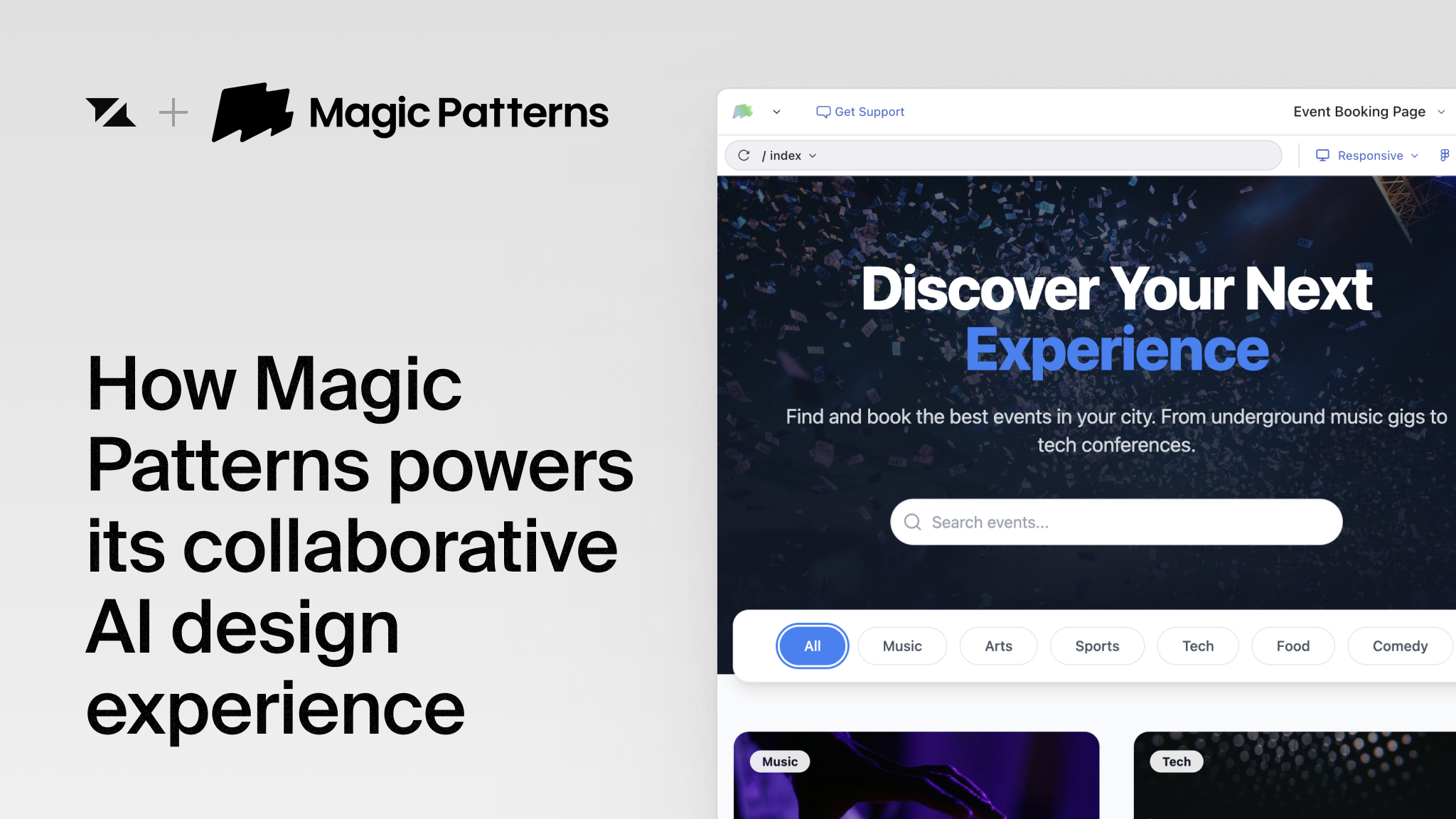
Magic Patterns offers several clear advantages that make it a compelling choice for product teams looking to streamline their UI design process. The tool excels at rapid prototyping—transforming feature ideas into high-fidelity, user-ready interfaces in minutes, which significantly cuts down development cycles. Its seamless design system integration ensures that all prototypes strictly follow your established brand guidelines and component libraries, keeping your UI consistent across projects. Collaboration is another standout benefit; Magic Patterns supports real-time editing and sharing, allowing designers, product managers, and engineers to work together without delays or version conflicts. Security is also top-notch, with enterprise-grade compliance that keeps your sensitive design assets protected. For teams focused on fast iteration and maintaining design integrity, Magic Patterns delivers a smooth, secure, and integrated workflow. On the flip side, while pricing plans are flexible, larger teams might find the per-seat model somewhat costly as they scale. Additionally, non-designers might encounter a slight learning curve initially, especially if they are not familiar with UI concepts or design systems. However, this investment often pays off quickly because the interface is intuitive, and the ability to build prototypes fast outweighs the initial adjustment period. If your team values rapid UI prototyping combined with strong design system support and secure collaboration, Magic Patterns could be an excellent fit. Before deciding, it is worth exploring their official website to learn more about their features and consider checking for any exclusive deals that might help save on your purchase.
Getting started with Magic Patterns is straightforward whether you’re launching a new project or importing your existing design system. The platform allows you to seamlessly integrate your current components, styles, and rules, ensuring that every prototype maintains your brand’s consistency right from the start. This saves time and avoids the hassle of recreating design elements from scratch. Once your project is set up or your design system is imported, you can begin generating UI screens effortlessly. Using AI prompts, you describe the feature or screen you want, and Magic Patterns creates high-fidelity UI options. What’s great is the iterative refinement process—each version can be quickly adjusted based on your feedback, allowing rapid exploration of multiple design directions without heavy manual work. Collaboration is built right in. Designers and engineers can work together on the same prototype in real time, making live edits, sharing feedback instantly, and reducing the usual back-and-forth delays. This not only accelerates the design cycle but also ensures alignment across teams from early stages. If you want to dive deeper into accelerating your prototyping workflow, be sure to check for exclusive deals to save on your purchase. Try visiting the official website to explore their collection and see firsthand how this AI UI prototyping tool enhances your design process.
Magic Patterns is ideal for product managers who want to speed up iteration cycles and gather real user feedback quickly. By turning feature ideas into high-fidelity prototypes in minutes, it helps product teams test concepts early without over-committing design and development resources. This fast feedback loop accelerates decision-making and reduces wasted effort. Design teams benefit from Magic Patterns by maintaining system consistency while exploring multiple UI directions rapidly. Its ability to integrate with existing design systems means teams can generate new screens that align perfectly with their established visual language, ensuring a cohesive user experience even when experimenting with fresh ideas. For enterprise teams, Magic Patterns offers a secure and compliant environment for AI-driven design workflows. Certified with SOC 2 and ISO 27001, it safeguards sensitive design data while enabling collaboration across departments. This makes it a reliable choice for organizations that demand both innovation speed and rigorous security standards. If you’re curious how Magic Patterns can fit your workflow, it’s worth exploring their free plan or scheduling a demo on the official website. Also, you might want to check for any available exclusive deals to get started at an even better value.
Before you make your final decision, it might be worth checking if there are any active deals or discount codes available — a little extra savings never hurts.What Is Magic Patterns and How Does It Revolutionize Product Design?
Key Features of Magic Patterns for Product Teams
How Magic Patterns Pricing Plans Work and What’s Included
Plan
Price
Key Features
Free Tier
Free
Basic prototypes, limited seats, limited design system access
Starter
$20/seat/month
AI prototyping, team collaboration, basic design system integration
Business
$100/seat/month
Advanced design system support, priority support, enterprise security
Enterprise
Custom Pricing
Tailored onboarding, dedicated support, full compliance & security
Pros and Cons: Is Magic Patterns Right for Your Team?
Step-by-Step Guide to Using Magic Patterns for Rapid Prototyping
Who Should Use Magic Patterns? Ideal Users and Use Cases