

Struggling to find a reliable and high-performance laser engraver that suits both beginners and professionals? The Ortur Laser Engraver series offers a powerful solution with advanced features designed to meet diverse engraving needs. These machines combine precision, speed, and safety, making them ideal for creative projects from hobby crafts to professional-grade work.
In this Ortur Laser Engraver review, we’ll explore various Ortur laser engraver models, highlighting key aspects such as engraving speed, accuracy, safety features, and compatibility with different materials. Whether you’re working with wood, acrylic, or metal, Ortur’s range delivers consistent results and user-friendly operation that stands out in the engraving community.
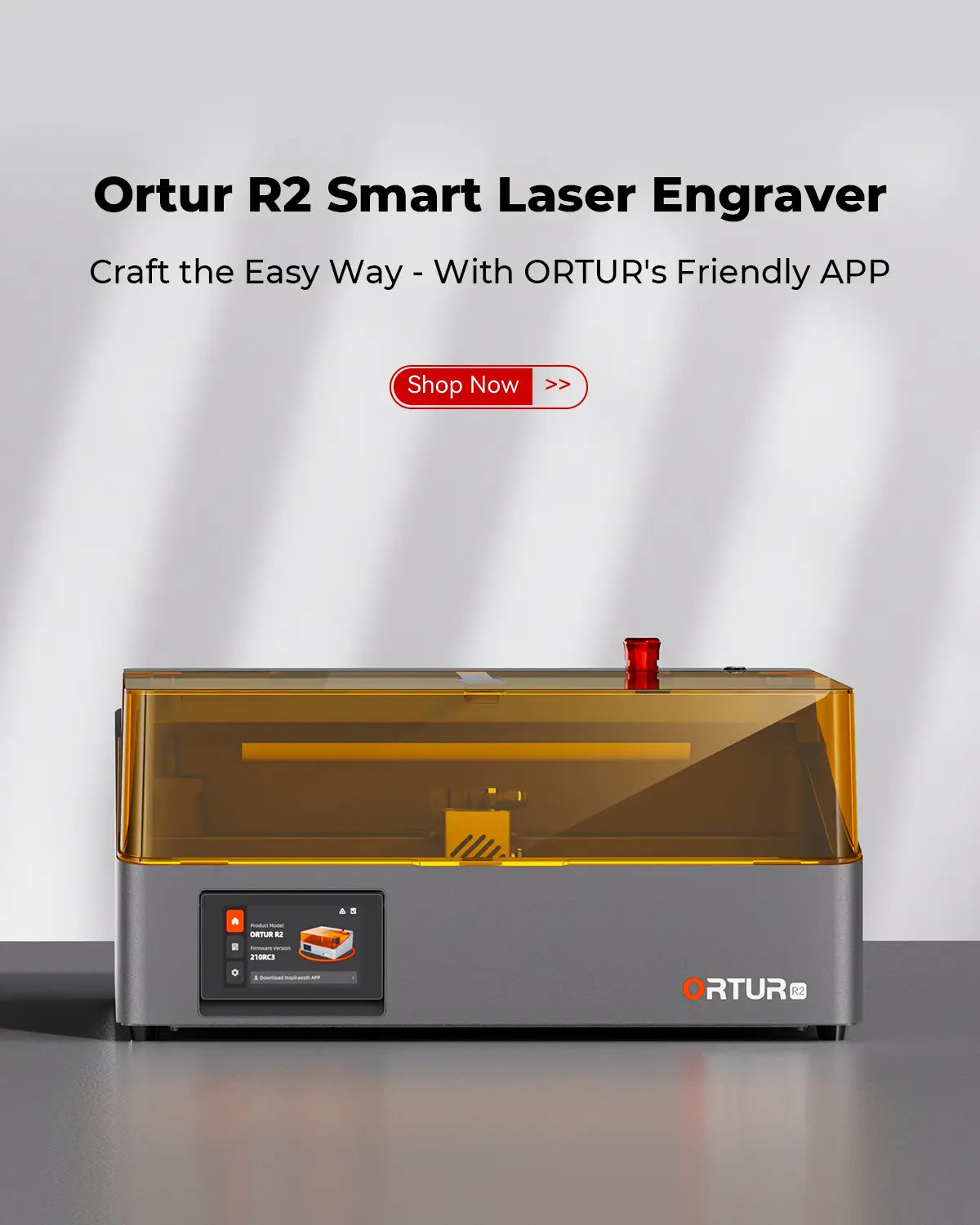
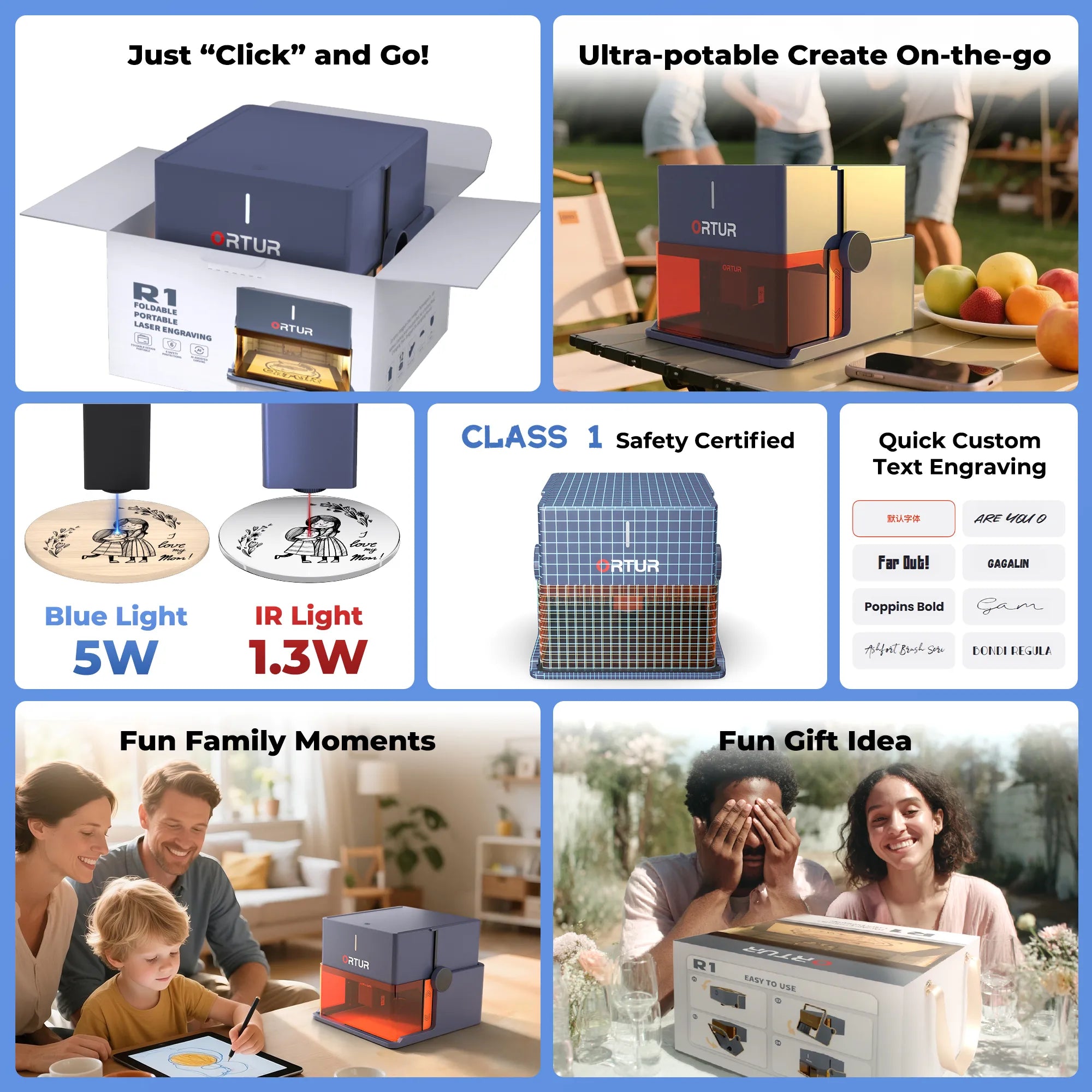
Ortur laser engraver models stand out for combining advanced technology with user-oriented design to cover a wide range of engraving needs. Whether you are a hobbyist or a professional, Ortur offers options tailored for speed, precision, and versatility, making laser engraving more accessible and efficient. The Ortur LM3 Series leads with cutting-edge speed and power, delivering up to 20,000mm/min engraving speed and high-watt laser modules ideal for demanding projects. It’s perfect for creators who need fast, accurate results without compromising on quality. Meanwhile, the Ortur LM2 Pro S2 offers balanced performance that suits versatile use cases. With solid engraving speeds and reliable precision, it handles various materials—from wood to acrylic—making it a great all-rounder for both beginners and experienced users. For those seeking more compact and cost-effective options, the Ortur R2 and R1 models provide excellent entry-level solutions. Their smaller size and simpler setup processes are well-suited for hobbyists or small workshops, offering dependable performance at a more accessible price point. This lineup also benefits from Ortur’s intelligent operating systems, including their own mobile app as well as compatibility with popular software like Lightburn and LaserGRBL. If you want to explore their collection or detailed specs, the official website is a great place to start.
Ortur laser engravers distinguish themselves through a blend of powerful features designed to elevate both speed and precision. Notably, these machines operate at engraving speeds up to 20,000mm/min, making them impressively efficient for large projects or quick production runs. This high-speed capability ensures users can finish detailed work faster without sacrificing quality, a key advantage for professionals and hobbyists alike. Precision is another area where Ortur excels. Their engravers offer exceptional control over detail, allowing for fine cuts and intricate designs on various materials such as wood, leather, and acrylic. This level of accuracy is particularly beneficial for custom gift makers or small businesses aiming to produce high-quality, personalized items. Safety is prioritized with advanced features including voltage and current controls, plus active position protection. These measures reduce the risk of errors or accidents during operation, providing peace of mind especially for beginners or those working in busy environments. Additionally, Ortur machines support popular engraving software like Lightburn and LaserGRBL, alongside their own intuitive mobile app, which streamlines workflow and enhances user experience. For users seeking to expand their creative potential, Ortur offers accessories such as the Y-axis rotary chuck. This tool allows for engraving on cylindrical objects, opening up new possibilities that extend beyond flat surfaces. If you’re exploring these expanded capabilities, it’s worthwhile to explore such accessories from the official website to complement your engraver and maximize its versatility.
Ortur laser engraver models come with transparent pricing across various options, including their popular LM3 and LM2 Pro S2 series. Whether you’re opting for a brand-new Ortur LM3 engraving machine or considering pre-owned units, pricing remains straightforward, reflecting each model’s features and capabilities. This clarity helps buyers compare options effectively, especially when looking at upgrades like advanced laser modules or specific engraving accessories. Each purchase is backed by a one-year warranty that covers manufacturing defects and functionality issues, paired with a 30-day return policy that lets you test the machine risk-free. For instance, if the Ortur R2 laser engraver experiences any issues within this period, you can reach out for support or return it hassle-free. Additionally, Ortur provides comprehensive technical support through various channels, including detailed tutorials, user guides, and a vibrant community of users. This support network makes mastering engraving materials and software compatibility easier, especially for beginners. For personalized help or troubleshooting, Ortur’s official website offers quality assistance. Before making your purchase, you might want to check the official website for the latest deals and to review the warranty details. It’s also worth looking for exclusive deals to save on your purchase.
Getting started with Ortur laser engravers is designed to be hassle-free, even for beginners. The setup is straightforward with clear, quick start guides available through the official website and app, making the initial learning curve gentle. The intuitive interface lets you connect the Ortur LM3, LM2 Pro S2, or R2 models easily, allowing you to start engraving within minutes without overwhelming technical steps. The versatility of Ortur laser engravers shines through their ability to work on diverse materials like wood, fabric, metal, acrylic, leather, and even paper. Whether you’re personalizing custom gifts or crafting detailed artworks, these machines adapt perfectly. For instance, wood engraving enthusiasts can create finely detailed designs on furniture or décor, while fabric users might customize textile patches or apparel with vibrant precision. To maximize engraving speed and precision, it’s important to utilize the Ortur app’s advanced settings and compatible accessories like the Y-axis rotary chuck. Adjusting speed and power settings based on material type helps maintain optimal results. The Ortur engraving machines boast speeds up to 20,000 mm/min with exceptional accuracy, enabling you to produce crisp, professional-quality projects efficiently. For a smooth start, check out the official website for tutorial videos and download the Ortur app to streamline your workflow. If you plan on buying, it is worth looking for any available exclusive deals first to save on your purchase and get the best value out of your engraving experience.
Ortur laser engraver machines are celebrated for their high precision, impressive speed, robust safety features, and versatile functionality. Whether you’re engraving intricate wood designs or cutting through acrylic, these machines deliver consistent accuracy thanks to advanced motion control and laser modules. Their engraving speed, reaching up to 20,000mm/min, ensures efficient project completion, making them suitable for both hobbyists and professionals. Plus, safety is a primary focus—with comprehensive voltage, current controls, and position protection, Ortur devices provide a secure experience for home or studio use. On the flip side, mastering some of Ortur’s advanced features can present a learning curve for beginners, especially when customizing settings or integrating complex designs. Additionally, accessories like the Y-axis rotary chuck or enclosure add to the overall cost but significantly expand creative possibilities. Despite these minor challenges, the investment in accessories often pays off by enabling new applications and improved outcomes. To summarize, the balance between raw performance and user adaptability makes Ortur a compelling choice for laser engraving enthusiasts. FAQ Highlights: Overall, the Ortur Laser Engraver lineup delivers exceptional speed, precision, and safety features that cater to creators at all levels. Whether for personal DIY projects or professional custom gifts, Ortur offers reliable machines and supportive community resources to help you bring your creative ideas to life. Ready to start engraving? Check out the latest models and exclusive offers on the Ortur official website now.
Before you make your final decision, it might be worth checking if there are any active deals or discount codes available — a little extra savings never hurts.Overview of Ortur Laser Engraver Models and What Sets Them Apart
Model
Max Speed
Laser Power
Ideal Use
Ortur LM3 Series
20,000mm/min
Up to 40W
High-speed, professional-grade engraving
Ortur LM2 Pro S2
15,000mm/min
10W / 5W
Versatile projects, good for a range of materials
Ortur R2 & R1 Models
Varies (Compact models)
1.3W to 20W
Entry-level, compact use, budget-friendly
Key Features That Make Ortur Laser Engravers Stand Out
Pricing, Warranty, and Support – What You Need to Know
Practical Use Cases and How to Get Started with Ortur Laser Engravers
Pros and Cons of Using Ortur Laser Engraver Machines
Pros
Cons
Exceptional engraving precision and speed
Advanced features may require time to learn
Strong safety mechanisms ideal for home use
Additional accessories can increase overall cost
Versatile—works on wood, acrylic, fabric, and more
Accessories needed for specialized tasks

