Struggling to find an AI content creation platform that seamlessly integrates advanced video and image editing capabilities? Openart AI offers a comprehensive AI Creator Studio designed to revolutionize how creators produce stunning visual content. Its powerful tools combine cutting-edge AI video creation and image generation software in one intuitive platform.
In this Openart AI review, we’ll explore key features, pricing plans, and user experience. Whether you’re a filmmaker, marketer, or content creator, this overview will help you understand how Openart AI stands out as a versatile AI video editing and image editing tool, making your creative process smoother and more efficient.
Openart AI is a versatile AI creator studio designed to simplify the process of producing both videos and images. It leverages advanced AI models to offer users powerful tools for creating high-quality visual content quickly and efficiently. Whether you’re a filmmaker, marketer, or content creator, Openart AI helps you bring your ideas to life with intuitive editing features and seamless creative controls. At the core of Openart AI are cutting-edge technologies like the Seedance and Gemini Omni models. Seedance specializes in producing detailed 30-second videos with precise frame-level editing capabilities, ensuring excellent control over every visual element. Gemini Omni extends this further by supporting high-resolution content up to 4K along with clip extension features that expand your creative possibilities. Openart AI supports a wide range of content types, making it suitable for diverse creative projects. Users can create everything from short films and music videos to social content, product ads, and even ad remakes. This flexibility is enhanced by specialized tools such as multi-language dubbing, lip-syncing, and motion synchronization, helping creators produce professional-quality videos tailored for various platforms and audiences. If you’re curious about how these features can elevate your content creation, it’s a great idea to explore Openart AI’s free trial and experience its capabilities firsthand. You can check it out on the official website and see how it fits your projects before committing.
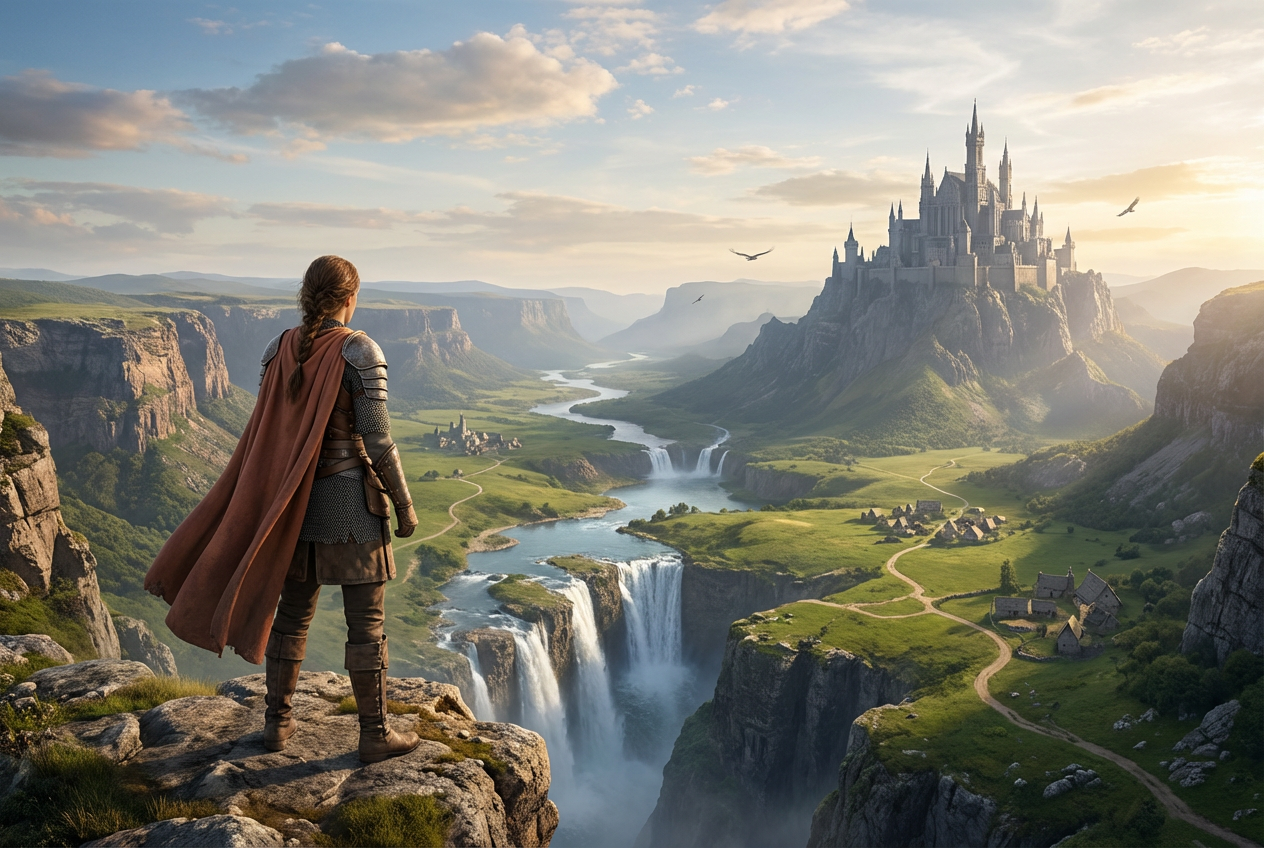
Openart AI stands out with its powerful core features designed to streamline content creation for marketers and filmmakers alike. The video creation and editing tools offer frame-level control, allowing users to precisely modify every moment of their footage. Additionally, the multi-clip extension feature lets creators seamlessly expand videos, perfect for producing longer, highly detailed content without starting from scratch. When it comes to image generation and editing, Openart AI leverages its GPT Image 2.5 capabilities. This provides fast, smart, and consistent multi-turn editing, ensuring refined images that can be tailored to fit exact visual needs. Whether enhancing photographs or generating visuals from scratch, this tool dramatically reduces time spent on revisions. Beyond these, Openart AI offers advanced functions like multi-language video dubbing with natural lip-sync, VFX masks to selectively protect or modify regions within videos, and relighting options to harmonize the look of different shots. These features simplify complex edits, saving significant time in post-production and empowering creators to launch projects faster. If you’re curious about the exact pricing and want to explore their collection of AI video creation tools, be sure to check out the official website. You might also want to look for exclusive deals that can optimize your investment in this versatile AI content creation platform.
Openart AI offers a well-structured pricing system designed to meet varying needs from beginners to enterprise users. To start, there is a free trial that grants access to core AI image and video editing features, allowing users to explore tools like multi-language dubbing and advanced video models without any upfront cost. This trial is perfect for anyone wanting to get a feel for Openart AI’s powerful creator studio before committing. For ongoing use, Openart AI has multiple subscription tiers ranging from basic to premium plans, each providing different levels of access and benefits. Paid options include monthly and annual billing with discounts available for longer commitments. Enterprise solutions are also available, offering customizable packages suitable for larger teams needing advanced AI content creation capabilities, along with dedicated support. Assessing value for money, Openart AI’s plans offer a solid range of features to fit different user demands. The free trial gives a risk-free start, while paid tiers unlock advanced AI video creation tools and enhanced editing capabilities that justify their cost. Businesses aiming for professional-level outputs will find the enterprise plan a worthwhile investment. If you decide to dive in, it’s a good idea to check for the latest discount codes to save on your purchase. Overall, Openart AI’s pricing structure caters well to creatives and marketers seeking a scalable AI content creation platform. For detailed pricing and plan features, visit the official website to explore their collection.
Creating videos with Openart AI is refreshingly straightforward, making it accessible even for those new to AI video creation tools. Start by selecting a video template from their diverse library that suits your project, whether a short film, promotional ad, or social content. Next, input your text prompts or upload assets like images and audio to guide the AI in generating the desired visuals. Finally, use their intuitive editing features to tweak scenes, add effects, or refine lip-syncing before exporting your final video. This step-by-step process ensures users can produce professional-grade videos without steep learning curves. Openart AI’s versatility shines across various use cases. Marketers benefit from its ability to quickly generate engaging product ads and social media promos that boost audience engagement. Filmmakers can leverage advanced features like frame-level editing and high-resolution outputs to craft detailed film trailers or short films. Social media creators appreciate the platform’s multi-language dubbing and trendy content formats to expand reach globally. Real users often praise the platform for its smooth interface and AI-powered enhancements, although some note minor processing delays during complex edits, framed positively as a trade-off for quality output. If you’re exploring AI video editing, you might want to check for any available exclusive deals before committing. Additionally, consider joining the Openart community or participating in the Openart Ad Awards to connect with other creators and discover creative inspiration. For broader options, explore the best AI tools for video editing to complement your toolkit.
Openart AI stands out with its high-detail video editing capabilities that let users produce polished, professional-looking content. Its fast image generation saves valuable time, especially for creators who need to iterate quickly. Additionally, the platform offers versatile tools for various creative needs—from short social clips to detailed brand films, making it suitable for filmmakers and marketers alike. On the flip side, some users may find that Openart AI requires a bit of time to master due to its advanced features and options. While the software offers robust functionality, those new to AI video editing might face a slight learning curve before fully leveraging all tools. Also, expanding the availability of more advanced features would benefit power users aiming for deeper customization. If you’re interested in improving your skills, check out AI video editing tips and tutorials to get the most out of Openart AI. FAQ Highlights: Openart AI delivers a robust AI video and image creation platform packed with professional-level features tailored for creators across industries. Whether you’re a filmmaker, marketer, or social media content creator, it offers powerful tools that simplify the production process without compromising on quality. Start your journey with Openart AI’s free trial today and experience firsthand how it can elevate your creative projects. You might want to check for any available exclusive deals to save on your purchase before subscribing.
Before you make your final decision, it might be worth checking if there are any active deals or discount codes available — a little extra savings never hurts.What Is Openart AI and How Does It Work?
Exploring the Core Features and Tools of Openart AI
Openart AI Pricing Plans and Subscription Options
Plan
Key Features
Price
Free Trial
Limited AI tools, Sample videos/images
Free
Basic
Full AI image editing, Video templates, Standard dubbing
Affordable monthly rate
Premium
4K video exports, Frame-level editing, Priority support
Higher monthly or discounted annual
Enterprise
Custom features, Team management, Dedicated account manager
Custom pricing
User Experience and Practical Use Cases
Pros and Cons of Using Openart AI
Criteria
Pros
Cons
Video Editing Detail
High-quality, frame-level control
Advanced features can be complex
Image Generation Speed
Rapid generation with smart AI
Sometimes requires multiple tries for perfection
Tool Versatility
Supports diverse video types and styles
Some advanced editing options still limited