
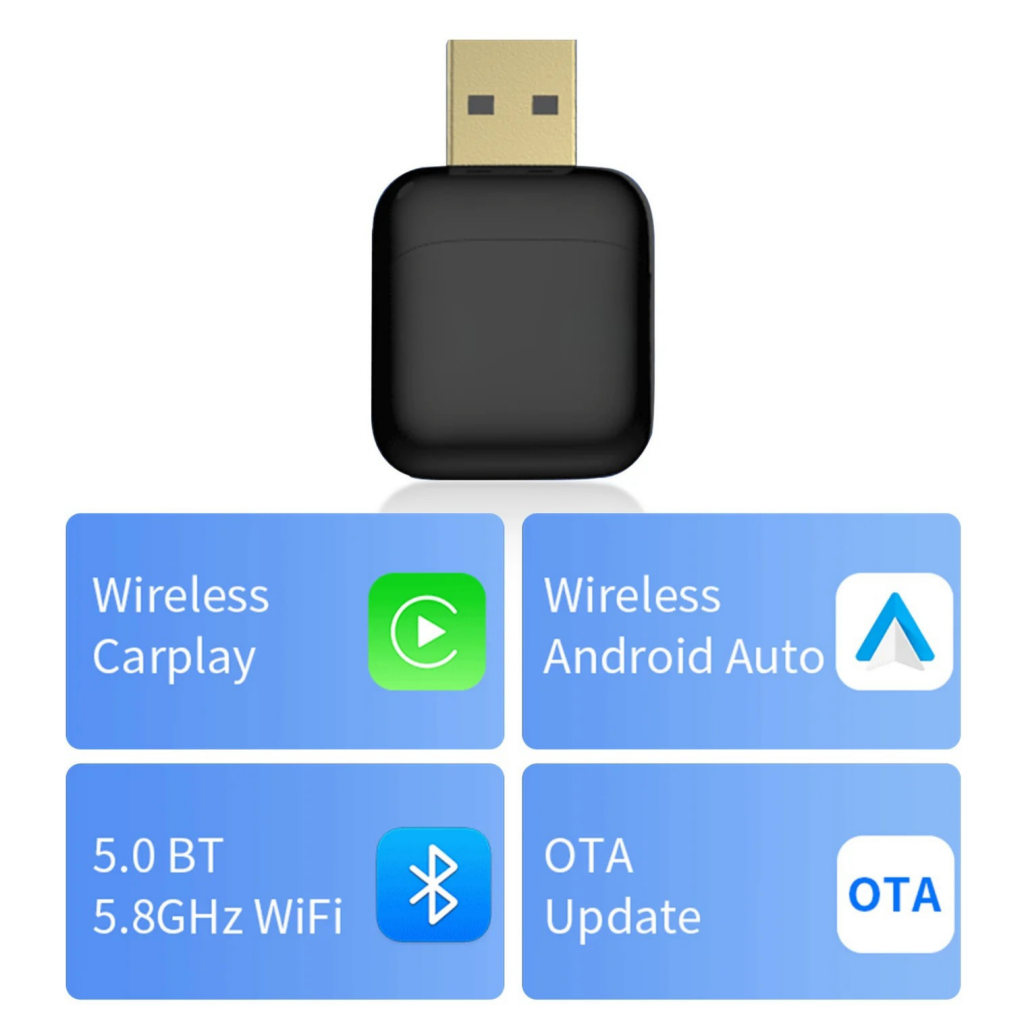
Many car owners face challenges when trying to integrate wireless Apple CarPlay and Android Auto into their factory-installed infotainment systems. The Binize wireless CarPlay adapter and CarPlay AI Box offer a convenient solution by delivering seamless connectivity and smart features designed to enhance your driving experience.
In this comprehensive Binize review, we’ll explore the essential features, pricing, installation guidance, strengths, and potential drawbacks of these adapters. We’ll also highlight popular models like the Binize B1 and B2 Android 13 CarPlay AI Boxes and share user insights to help you make an informed decision.
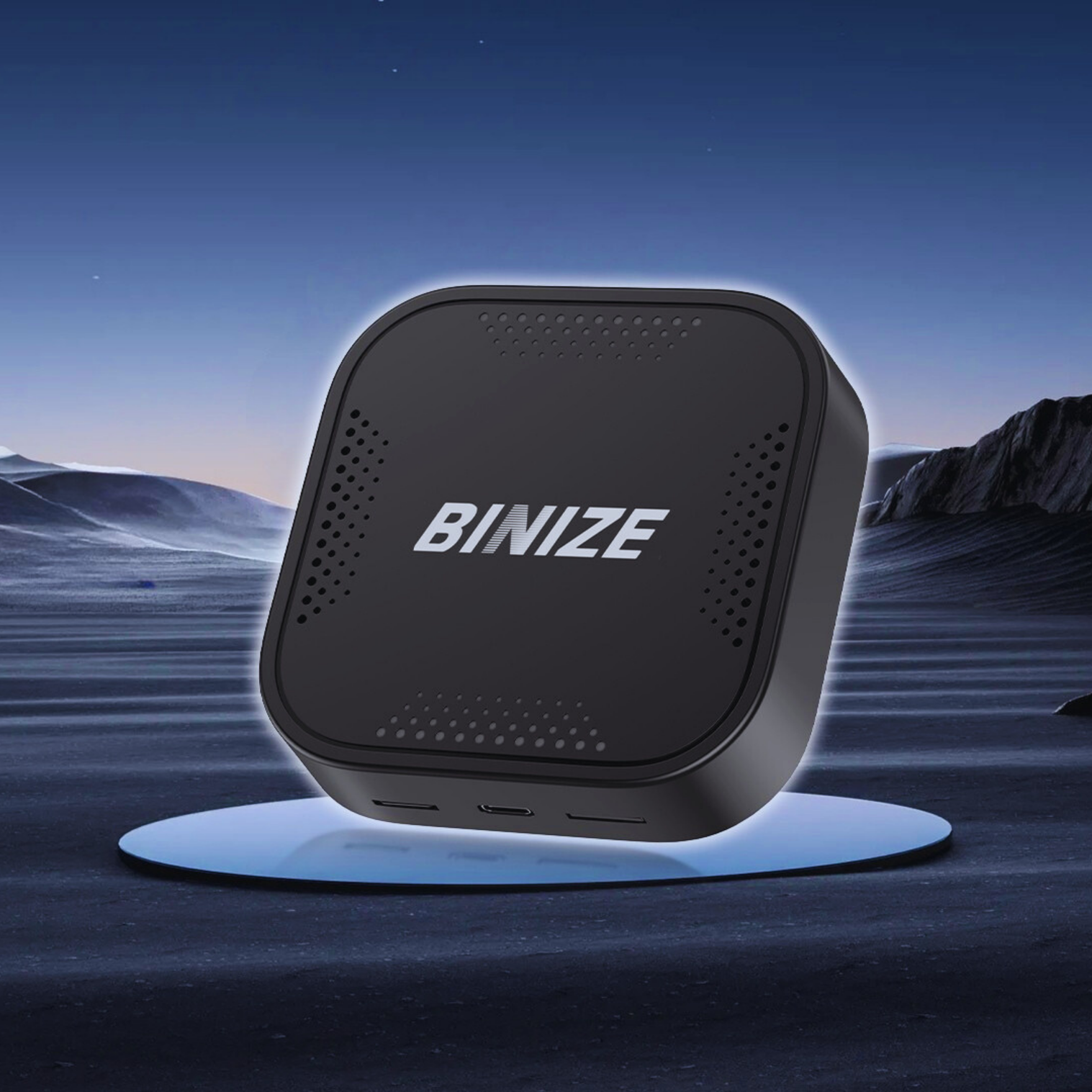
Binize is a respected brand known for its innovative automotive technology products, particularly focused on enhancing in-car infotainment. Their product lineup includes wireless CarPlay adapters and advanced CarPlay AI Boxes designed to upgrade factory-installed car stereo systems seamlessly. The Binize Wireless CarPlay Adapter allows drivers with factory-wired CarPlay and Android Auto systems to enjoy a wireless connection. This means no more annoying cables cluttering your dashboard; you simply pair your phone once, and the system connects automatically every time you get in your car. In contrast, the CarPlay AI Boxes, such as the B1 and B2 models, offer a more comprehensive upgrade. These AI Boxes run on the Android 13 system, transforming the car’s original head unit into a smarter, more capable interface. Besides enabling wireless CarPlay and Android Auto, they add features like custom apps, navigation, and media playback enhancements while maintaining full compatibility with OEM car stereos. While both solutions cater to upgrading factory wired CarPlay systems, the wireless adapters are ideal for users wanting a straightforward wireless connection, and the AI Boxes serve as a full system upgrade with expanded functionality. Many users report that installing these adapters is surprisingly simple, and you can learn more details on installation here. For those seeking an effortless wireless CarPlay experience or a powerful AI-driven car stereo upgrade, exploring the official website can provide full specs and current pricing options.
Binize products stand out due to their seamless wireless connectivity, designed to work flawlessly with OEM wired CarPlay and Android Auto systems. Whether you have a factory-installed setup, their adapters and AI Boxes ensure you experience true wireless freedom without compromising the original car stereo’s integrity. The B1 and B2 AI Boxes come equipped with the latest Android 13 OS, providing a smooth, responsive interface. They offer varied RAM and storage options—4GB or 8GB of RAM and 64GB or 128GB of internal storage—catering to different user needs for app performance and multimedia storage. Beyond wireless capability and OS upgrades, Binize products boast extra features like built-in GPS navigation, Bluetooth connectivity for hands-free calls and music streaming, advanced DSP sound processing for crystal-clear audio, and support for backup cameras, enhancing safety and convenience on the road. If you’re curious about enhancing your factory car stereo with wireless CarPlay functionality, Binize’s lineup offers scalable solutions—from simple adapters to full AI Boxes with Android 13 OS. For added value, it’s always smart to check for exclusive deals before making your purchase.
Binize offers competitively priced wireless CarPlay adapters and AI Boxes tailored to different performance needs. Their Wireless Apple CarPlay & Android Auto Adapter generally starts around $29.99, making it an affordable option for upgrading factory wired CarPlay systems. For more advanced options, the Binize B1 and B2 Android 13 CarPlay AI Boxes range from approximately $259.99, with choices between 4 GB or 8 GB RAM and varying ROM sizes, ensuring smooth operation and storage flexibility for users seeking enhanced functionality. Customers regularly benefit from discounts, coupon codes, and free shipping promotions that Binize provides to add more value to each purchase. These deals can reduce prices by up to 30%, making it worthwhile to look out for exclusive offers before buying. For instance, seasonal promotions or combo deals often make premium AI Box models more accessible. Purchasing direct from the official Binize website guarantees authenticity, warranty protection, and access to the latest models, firmware updates, and full customer support. While some resellers exist, buying from Binize’s official channel helps avoid counterfeit products and ensures seamless compatibility with your car’s system. If you want to check out the latest prices and offers, visiting the official website is the safest and most convenient way. Before you commit, it is worth looking for any available discounts so you can save on your purchase with exclusive deals.
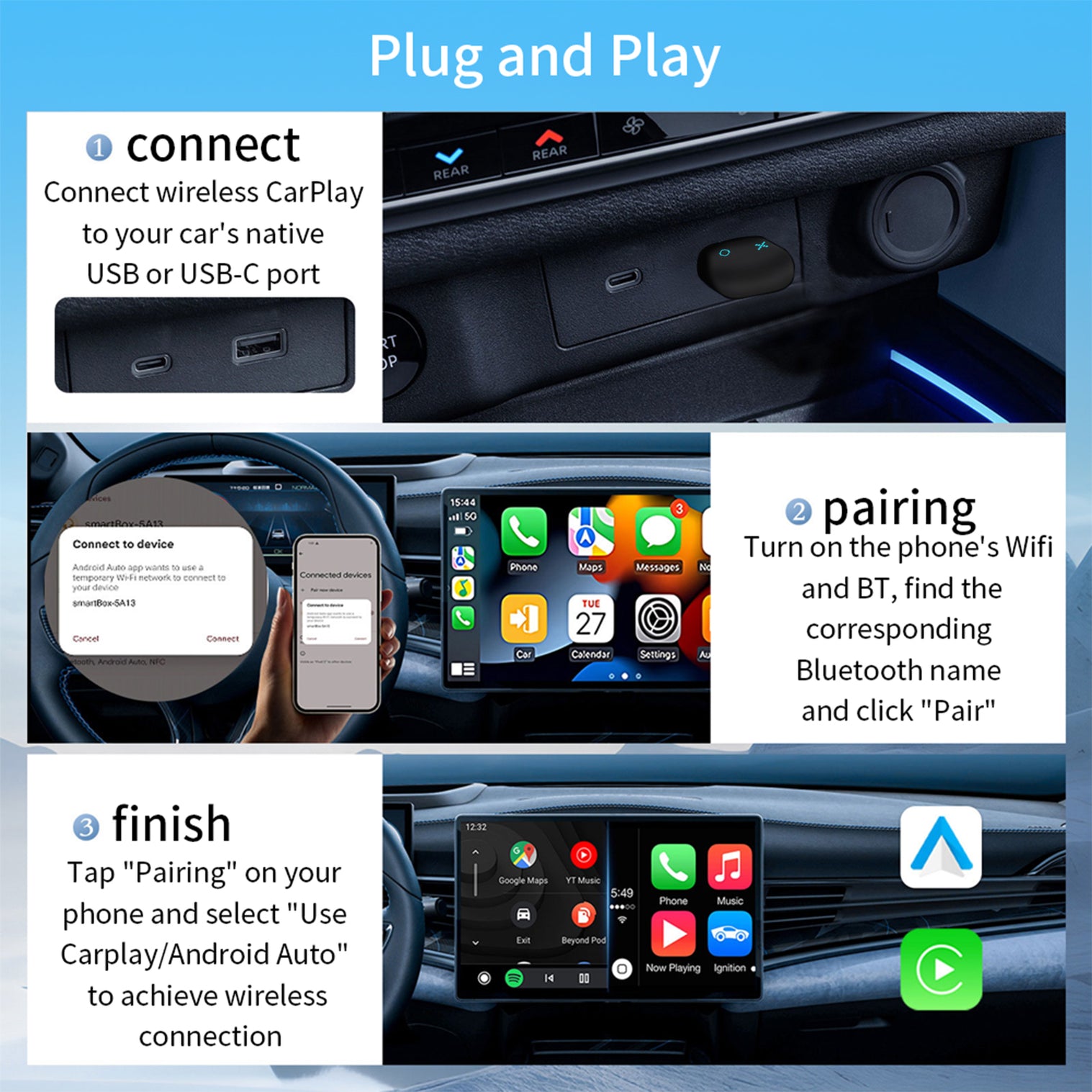
Installing the Binize wireless CarPlay adapter in vehicles equipped with factory wired CarPlay is straightforward, thanks to its plug-and-play design. Begin by locating your car’s existing wired CarPlay port under the dashboard or near the infotainment system, then connect the Binize adapter directly. This setup avoids complex rewiring, making it ideal for OEM Car stereo users who want wireless convenience without upgrading their entire head unit. Once installed, keeping your Binize CarPlay adapter updated is crucial for optimal functionality. Firmware updates, easily accessible on the official website, introduce new features and enhance compatibility with your vehicle’s system. Regularly checking for and applying these updates ensures smooth wireless CarPlay operation alongside Android Auto adapter support if you use both. Should you encounter issues such as connectivity drops or recognition failures, simple troubleshooting steps often resolve them. Try rebooting your vehicle’s system or reconnecting the adapter first. Persistent problems can be addressed through Binize’s customer support, known for responsive assistance. For detailed guidance, users can refer to the comprehensive manuals and firmware pages provided by Binize. To get started confidently, consider reviewing the detailed installation instructions available, and while you’re at it, it is worth looking for a deal to save a bit on your purchase. For related setup help, you might also explore our Installation Instructions for Wireless Android Auto Adapters.
Binize wireless CarPlay adapters and AI boxes offer several notable advantages that make them an appealing upgrade for many drivers. Their wireless connectivity means hassle-free use without tangled cables, enhancing convenience during daily drives. Plus, these devices integrate smartly with Android systems, broadening functionality to support both Apple CarPlay and Android Auto seamlessly. Compatible with a wide range of OEM car stereo head units, including 1 DIN and 2 DIN radios, they fit various vehicle setups, from Tesla-style to factorywired systems. On the flip side, while Binize products generally maintain good stock levels, occasional availability issues might occur with popular models, but this reflects strong demand rather than supply problems. Additionally, some adapters and AI boxes have model-specific compatibility nuances, so double-checking your car’s make and head unit specifications ensures optimal functionality. These minor points aside, Binize continues to deliver a solid balance of innovation and user-friendliness for those upgrading their in-car infotainment. Before making your final decision, consider your car model and specific infotainment needs carefully. Reviewing exact compatibility helps avoid surprises and maximizes your satisfaction with the product. If you are interested, you might want to check for any available exclusive deals to save on your purchase. For more on the latest models and official specs, explore their official website.
The Binize wireless CarPlay adapter is ideal for car owners who already have factory wired CarPlay but want to enjoy the convenience of wireless connectivity. If your vehicle’s OEM infotainment system supports wired Apple CarPlay, this adapter transforms your setup into a seamless wireless experience, eliminating the need to plug in your iPhone every time. This product also suits drivers seeking to upgrade their factory car stereos without replacing the entire head unit. With added Android 13 OS features, it enhances your infotainment system with smart AI capabilities and smoother roadside convenience like voice commands and navigation. Compatibility is a strong point for Binize adapters—they work well with popular car brands such as Toyota, BMW, Honda, and many others. This broad support makes them a versatile option for upgrading factory systems without compatibility worries. For detailed compatibility info by specific car brands, you can refer to Compatible Car Stereo Head Units by Car Brand. FAQ Highlights: In short, if you’re looking to upgrade a factory wired CarPlay system with wireless freedom, add smart Android 13 features, or simply improve your car’s infotainment convenience, the Binize wireless CarPlay adapters are a compelling choice. It’s worth exploring the latest discount codes before purchasing to find some exclusive deals.
Before you make your final decision, it might be worth checking if there are any active deals or discount codes available — a little extra savings never hurts.What is the Binize Wireless CarPlay Adapter and CarPlay AI Box?
Key Features and Specifications of Binize Products
Feature
Wireless Adapter
B1 AI Box
B2 AI Box
Wireless CarPlay/Android Auto
Yes
Yes
Yes
Android OS Version
N/A
Android 13
Android 13
RAM/Storage Options
N/A
4GB/64GB or 8GB/128GB
4GB/64GB or 8GB/128GB
GPS Navigation
No
Yes
Yes
Bluetooth
Yes
Yes
Yes
DSP Sound Processing
No
Yes
Yes
Backup Camera Support
No
Yes
Yes
Pricing, Discounts, and Where to Buy Binize Products
Installing and Setting Up Your Binize Wireless CarPlay Adapter
Pros and Cons of Using Binize Wireless CarPlay Adapters & AI Boxes
Feature
Pros
Cons (Positively Framed)
Wireless Connectivity
Easy and cable-free connection
None significant
Android Integration
Smart interface supporting Android Auto and Android 13 systems
Compatibility may vary by model
Compatibility
Works with various car stereos, including OEM wired and Tesla style radios
Stock for some popular options may run low due to high demand
Who Should Consider Buying a Binize Wireless CarPlay Adapter?

